Ages 3–8 · 36 activity pages
Printable PDF
Little books.
For their very big interests.
36 activity pages to print at home.
$6.99 per book. Rocket Mission is free.
The printable collection
Four featured books
Ages 3–8 · 36 activity pages
Printable PDF
Ages 3–8 · 36 activity pages
Printable PDF
Ages 3–8 · 36 activity pages
Printable PDF
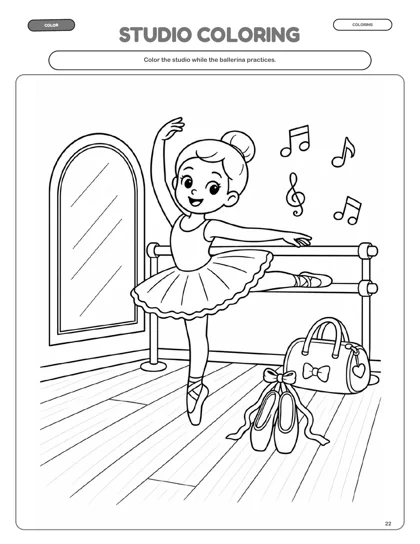
Inside the collection · Ballet DreamsJudge this book
Judge this book
by its pages.
A coloring page, a studio maze, and a little more to explore. Open a sample from the edition you’re considering.
Look inside Ballet Dreams →Shown: actual pages from the age 5, low-ink edition.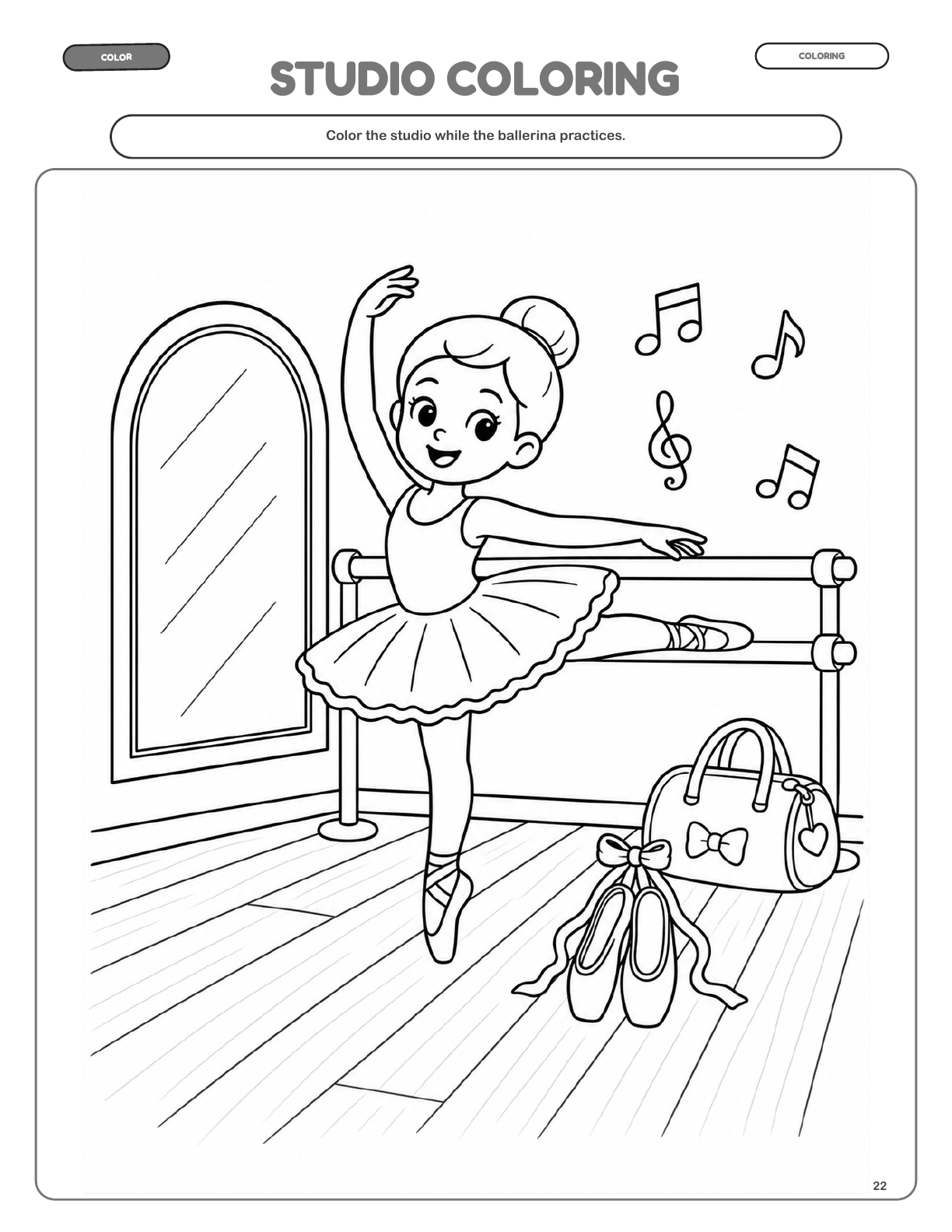
Page 22
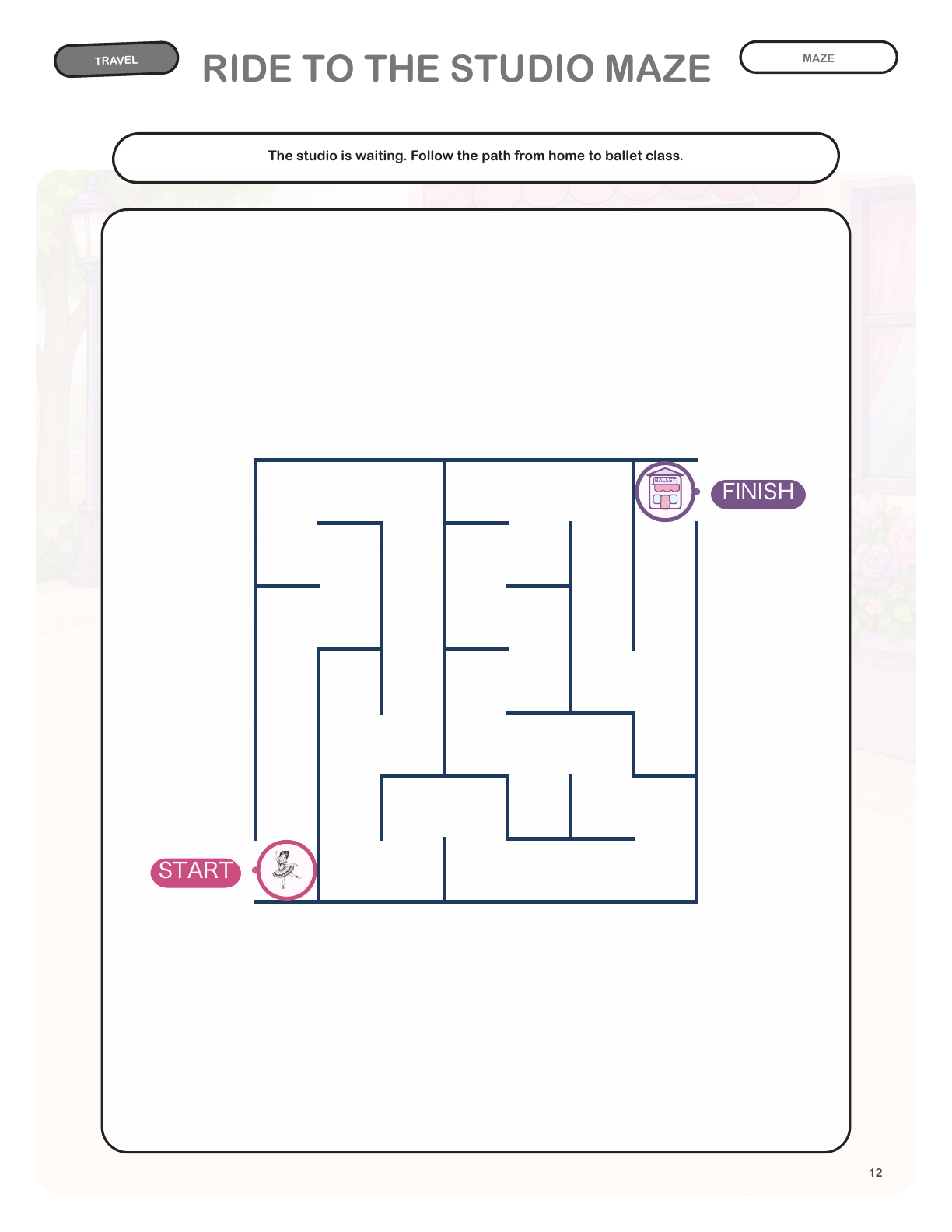
Page 12
More from the collection
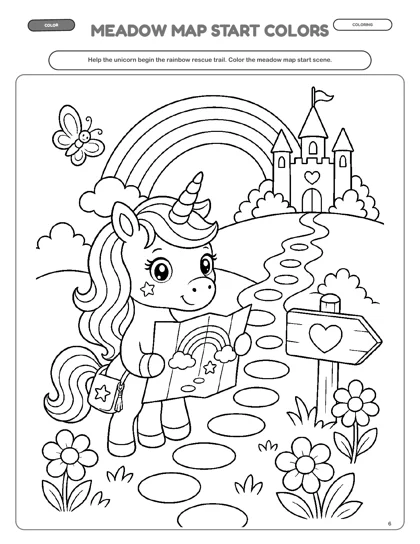
16 books to explore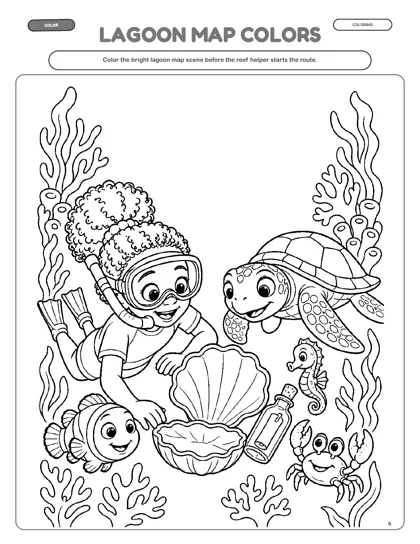
Ages 3–8 · 36 activity pages
Printable PDF
Ages 3–8 · 36 activity pages
Printable PDF
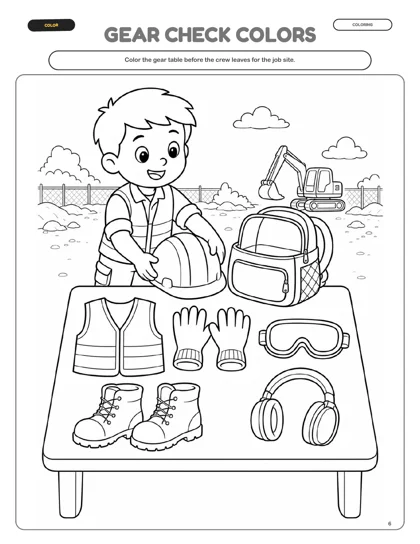
Ages 3–8 · 36 activity pages
Printable PDF
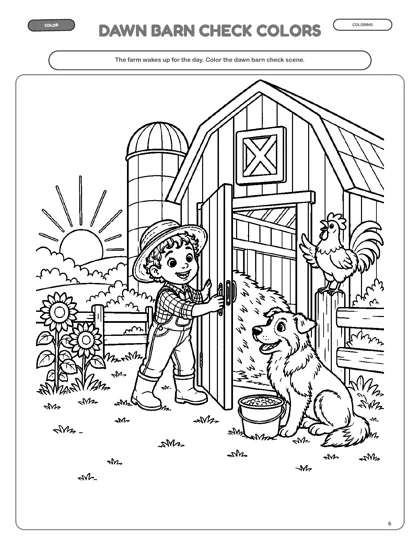
Ages 3–8 · 36 activity pages
Printable PDF
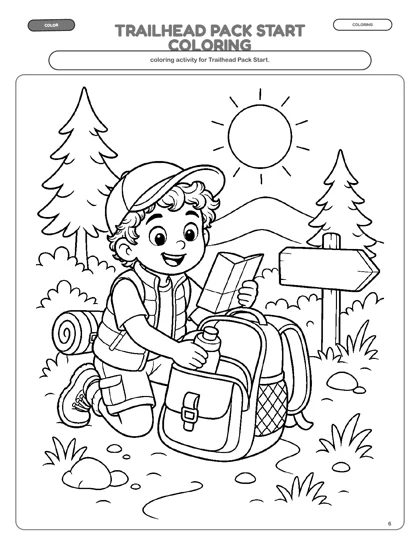
Ages 3–8 · 36 activity pages
Printable PDF
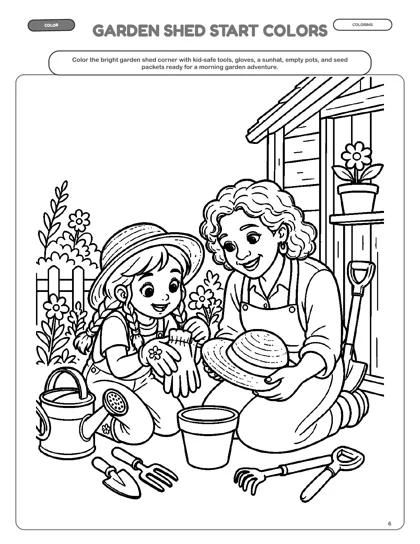
Ages 3–8 · 36 activity pages
Printable PDF
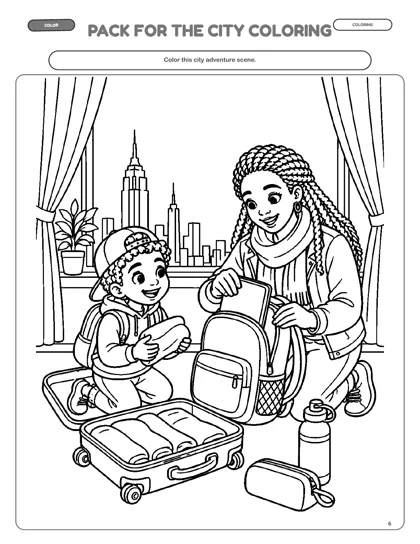
Ages 3–8 · 36 activity pages
Printable PDF
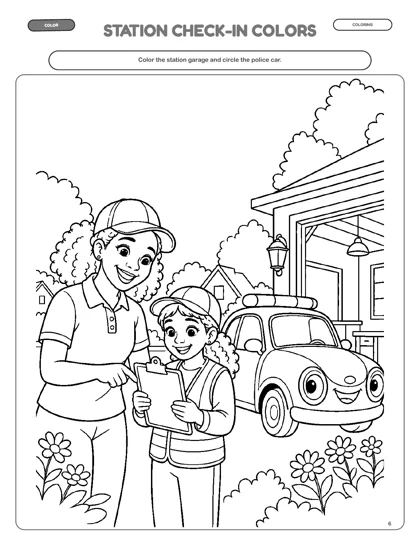
Ages 3–8 · 36 activity pages
Printable PDF
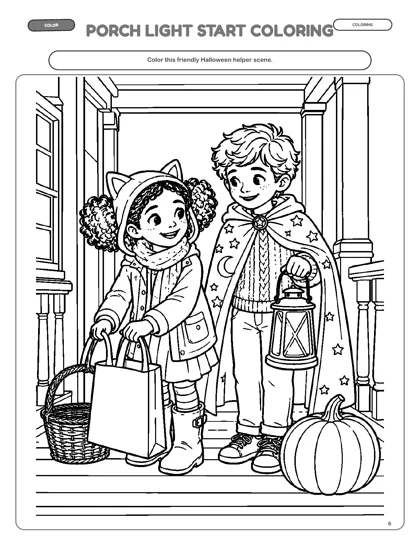
Ages 3–8 · 36 activity pages
Printable PDF
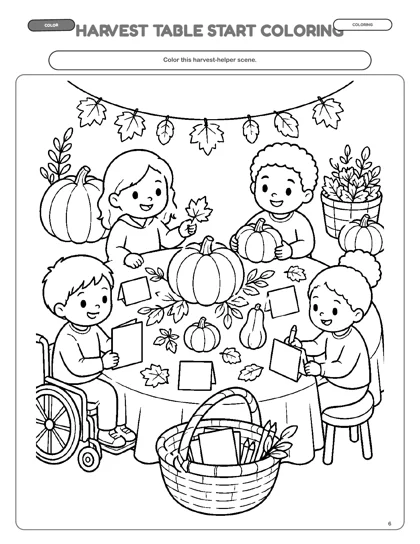
Ages 3–8 · 36 activity pages
Printable PDF
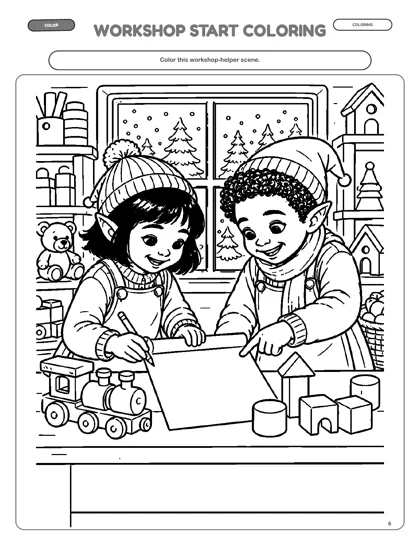
Ages 3–8 · 36 activity pages
Printable PDF
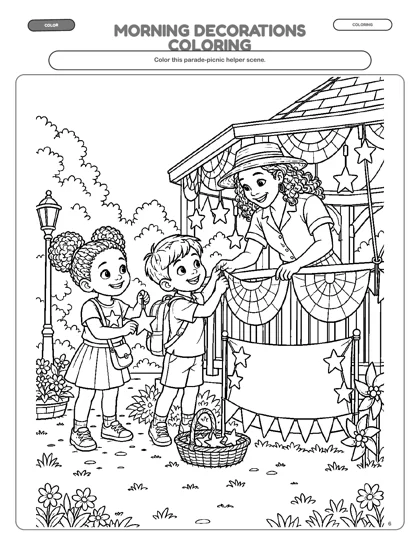
Ages 3–8 · 36 activity pages
Printable PDF
Made to be printed at home.Choose an edition, download the PDF, and print on US Letter paper.
Read the printing guide →